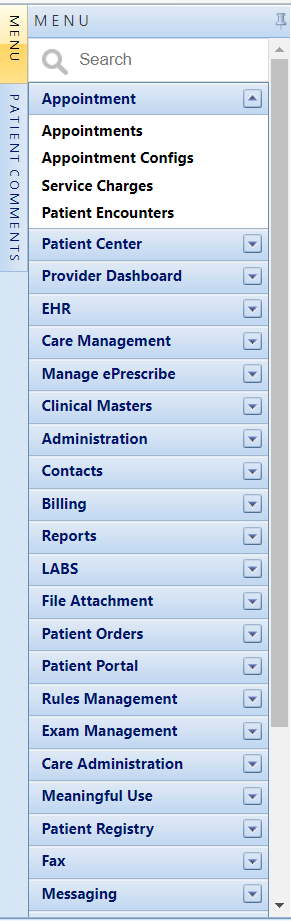
 Main Menu
The main menu is customizable based on role and can be set per employee to appear at the top or left side of the screen. The left side menu can be tacked open or closed. The order of the menu options can be set by role under Administration Roles. If closed, the Menu button displays the menu. Each module in the system that the provider has access to is displayed in the menu. Under Administration, the Roles and Permission screen sets what screens an employee has access to when assigned to that role.